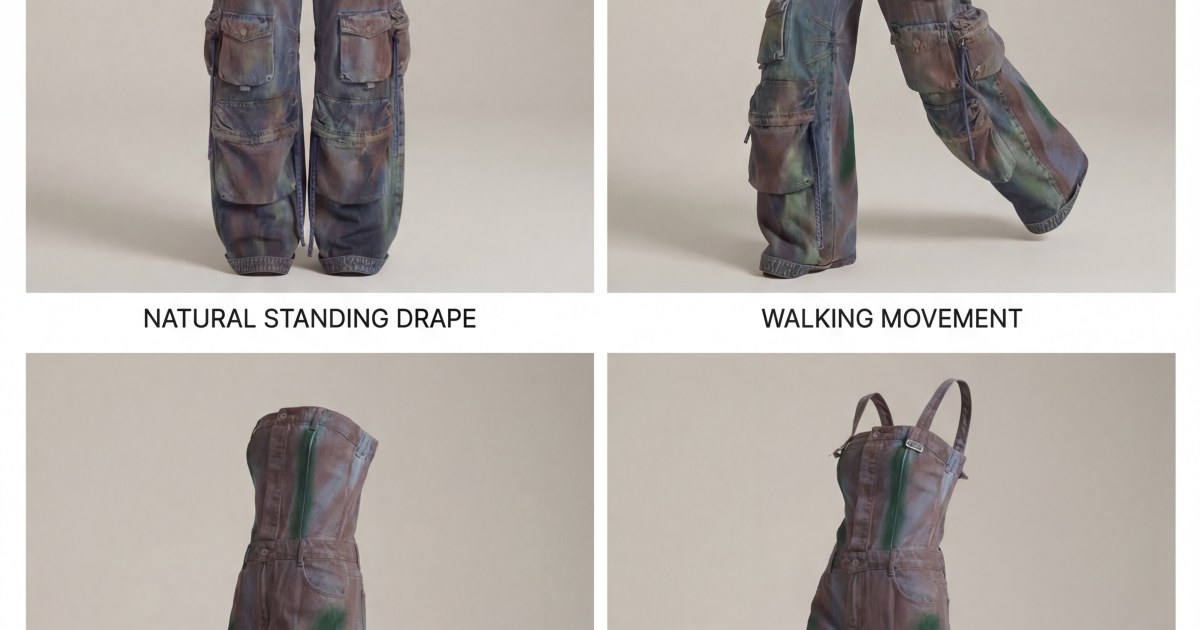
Prompt detail

Wardrobe Turnaround Sheet

Uploaded by celebish New on Apr 3, 2026
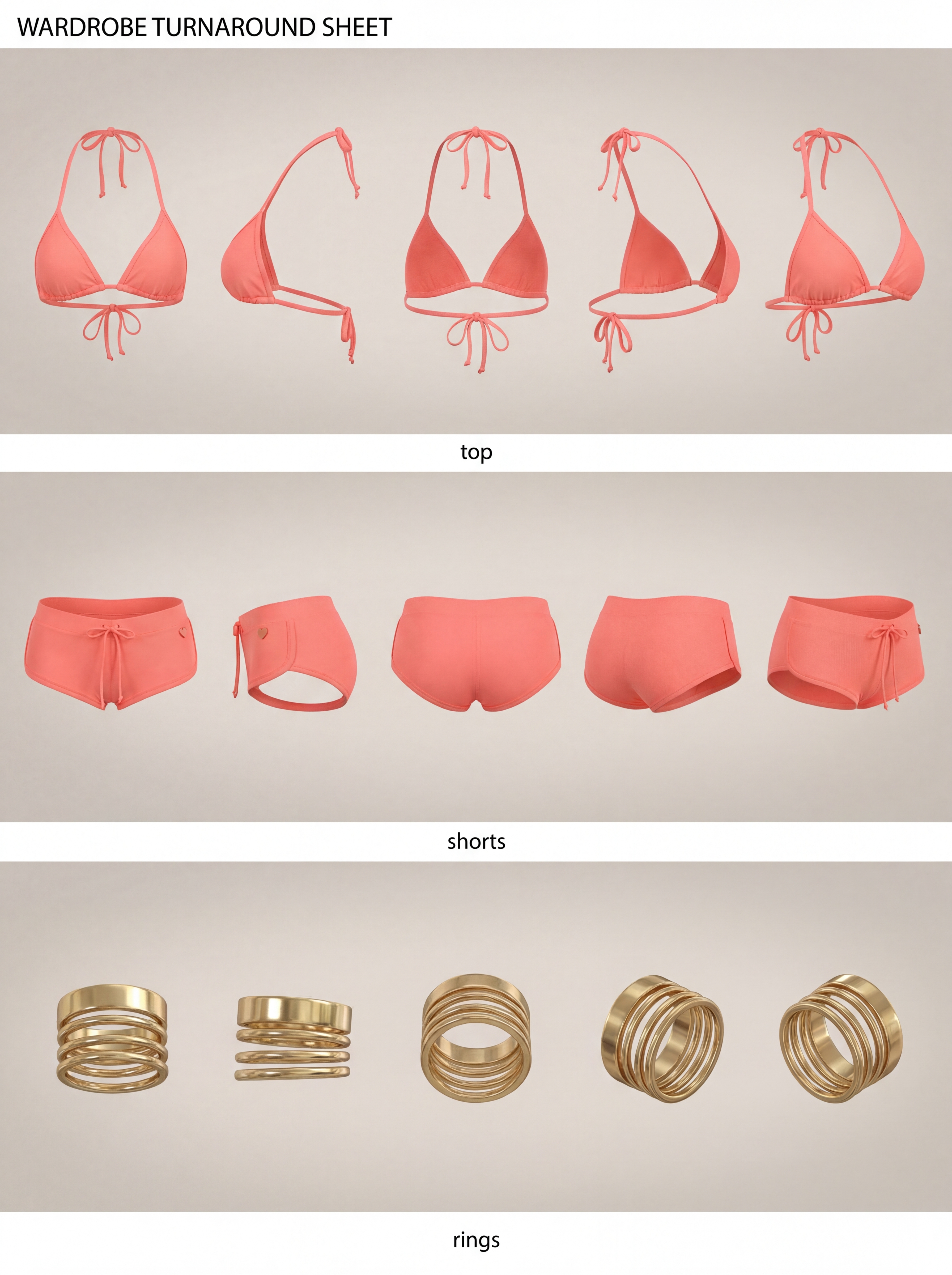
Wardrobe Turnaround Sheet, utility, using Nano Banana Pro AI image prompt
Prompt setup
Nano Banana Pro Product Render Score 1

Instructions

Upload image(s) of the outfit that you would like to create the turnaround sheet for.

1
1 up · 0 down · 0 favorites

Prompt

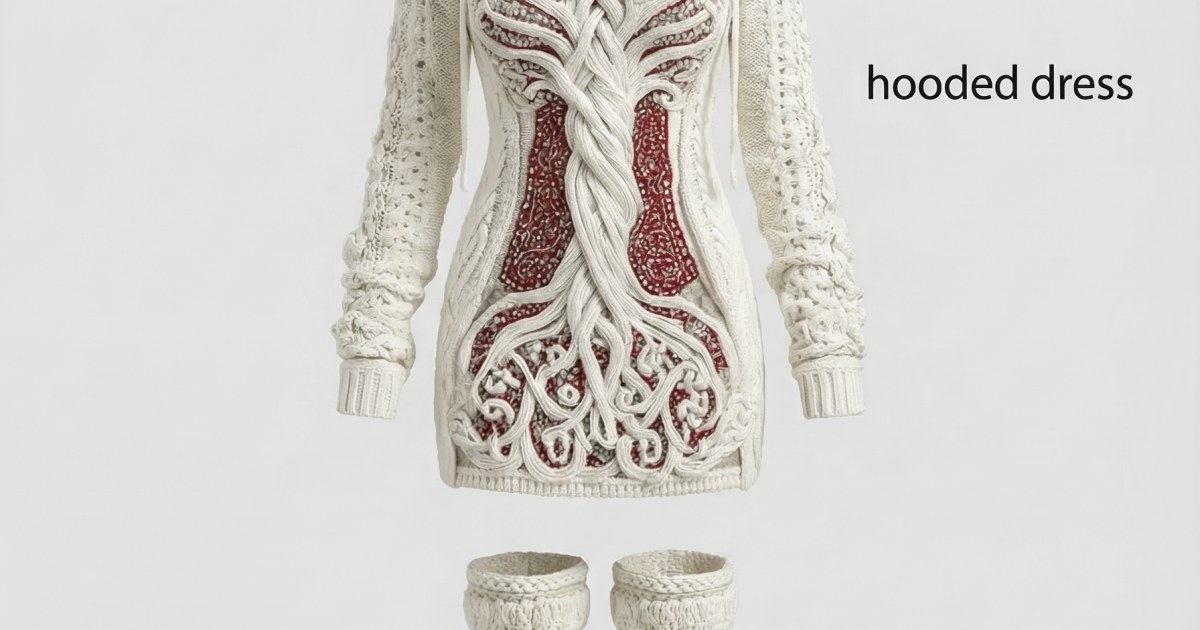
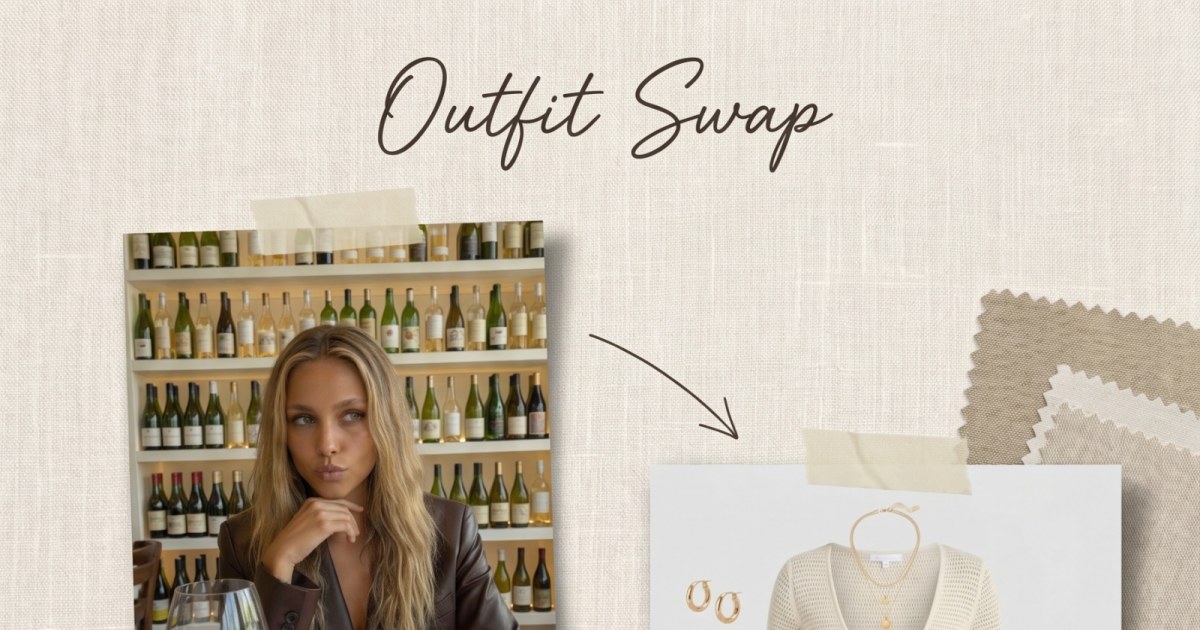
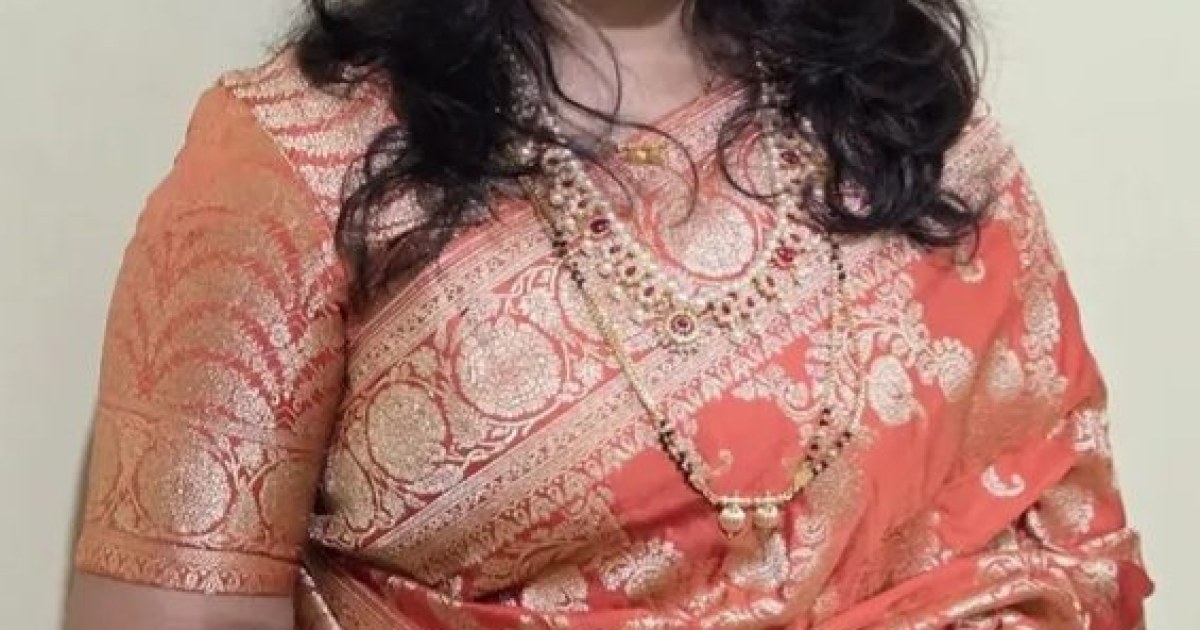
Create a professional fashion wardrobe turnaround sheet using the uploaded reference image(s).

Title text in the top-left corner:
WARDROBE TURNAROUND SHEET

Multiple reference images may contain different viewing angles of the same outfit. When a front, side, or back view already exists in the reference images, use that view rather than generating a new interpretation.

Only infer missing views when that angle is not present in the references.

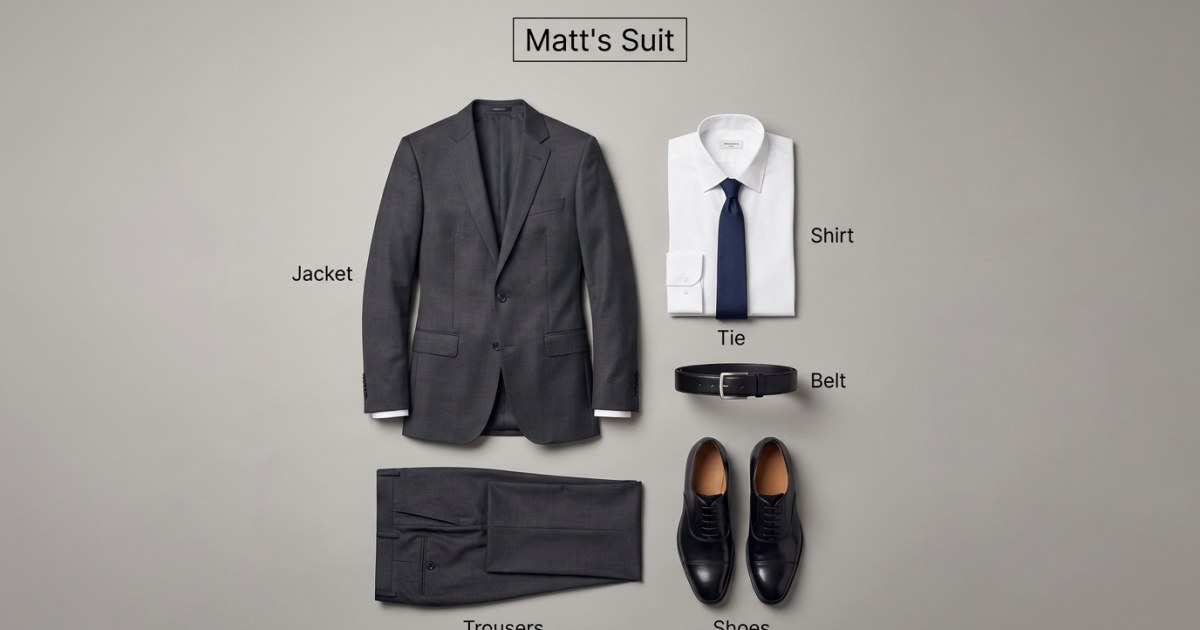
Identify all clothing items and wearable accessories visible in the reference images.

Present each item as a standalone garment or accessory.

Use consistent canonical labels for each item. If multiple of the same item exist, number them.

Example labels:
undershirt
top
pants
belt
sandals
necklace_01
bracelet_01

All items must share the same global orientation reference.

The front of the outfit faces the viewer.

Use the same rotation order for every item:

Front View
Left Profile
Back View
Back 3/4 Perspective
Front 3/4 Perspective

All garments must rotate in the same direction around the same axis.

Do not mirror, flip, or reverse orientation between panels.

Maintain identical scale, camera height, and lighting across all items.

Arrange each item’s five views in a straight horizontal row with consistent spacing and alignment.

Neutral studio background, soft commercial lighting, highly realistic textile and material detail.

16:9 layout, 4K resolution.
Share

Help This Prompt Grow

Please help by sharing this prompt. Every post helps more people discover the site.

Variations

Variations of This Prompt

Build on this prompt

Start from the original prompt and push the look, lighting, styling, or composition in a new direction.

Create Variation
More Like This

Similar Prompts
Next Step

Create your own version of this

Start from the same core prompt and push it in a new direction.

Create Variation